
Is Squarespace Good for SEO in 2026? (The Honest, Complete Answer)
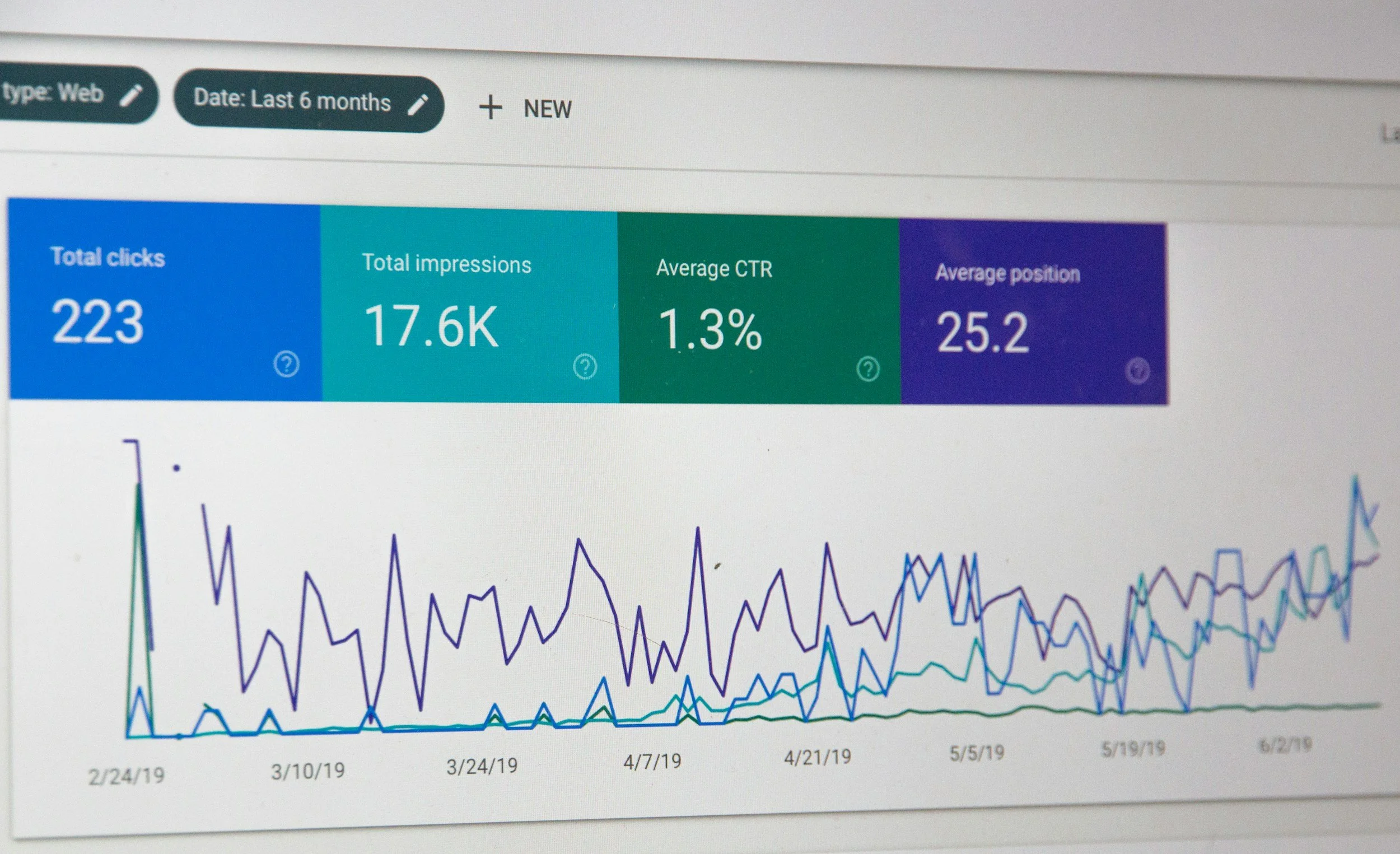
If you've Googled "is Squarespace good for SEO," you've probably read a lot of conflicting answers. Some say it's great. Some say it can't compete with WordPress. Some articles are five years old and wildly out of date.
Here's the honest answer from an agency that has helped hundreds of businesses rank on Google using Squarespace: yes, Squarespace is good for SEO (but only if you know what you're doing).
This guide covers everything: what Squarespace does well for SEO in 2026, where it falls short, what you need to do yourself, and when a platform switch actually makes sense. We'll also cover what AI search engines like ChatGPT, Perplexity, and Google's AI Overviews are looking for — because in 2026, showing up in those results matters just as much as a Page 1 ranking.
What Is SEO in 2026, and Why Does the Platform Matter?
SEO - search engine optimization - is the practice of making your website visible when people search for things you offer. In 2026, that means two things simultaneously:
Traditional search rankings on Google and Bing
Generative Engine Optimization (GEO): being cited by AI tools like ChatGPT, Claude, Perplexity, and Google's AI Overviews when users ask questions in your niche
Your website platform affects both. Squarespace, WordPress, Webflow, Wix - they all handle the technical foundation of SEO differently. And the platform you choose sets a ceiling on what's possible without hiring a developer.
What Squarespace Does Well for SEO (Better Than Most People Think)
1. Clean, Crawlable HTML Out of the Box
Squarespace generates clean semantic HTML. This matters because Google's crawler reads your HTML to understand what your page is about. Messy, bloated code makes crawling harder and can suppress your rankings. Squarespace doesn't produce messy code.
2. Automatic SSL (HTTPS)
Every Squarespace site gets a free SSL certificate automatically. HTTPS has been a Google ranking signal since 2014. On many other platforms, getting SSL set up is a manual step that beginners skip - costing them rankings before they even start.
3. Mobile-Responsive Templates
All Squarespace templates are mobile-responsive by default. Google uses mobile-first indexing, meaning it primarily evaluates the mobile version of your site when deciding where to rank you. A non-responsive site is a rankings disaster. Squarespace eliminates this risk entirely.
4. Fast Core Web Vitals (With Some Caveats)
Core Web Vitals, Google's set of page experience metrics, measure loading speed, interactivity, and visual stability. Squarespace's infrastructure has improved significantly. Most well-built Squarespace sites pass Core Web Vitals today, especially after the platform's performance updates in 2024 and 2025.
The caveat: bloated pages with too many large images or embedded videos can still fail. This is a content problem, not a platform problem - but it's worth knowing.
5. Built-In SEO Fields on Every Page
Squarespace gives you SEO title and description fields on every page, blog post, product, and collection. You don't need a plugin like Yoast (as you would on WordPress). The fields are built in and easy to edit.
6. Automatic Sitemaps
Squarespace automatically generates and updates your XML sitemap, which helps Google discover and index your pages. The sitemap is submitted-ready and structured correctly. Again, something many DIY WordPress users forget to configure.
7. Schema Markup for Products and Events
Squarespace automatically adds structured data (schema markup) for products, events, and recipes. This structured data helps Google display rich results, star ratings, event dates, prices - directly in search results, improving click-through rates.
Where Squarespace Falls Short for SEO
No platform is perfect, and intellectual honesty requires acknowledging Squarespace's genuine limitations.
1. Limited Control Over Technical SEO
On WordPress, a developer can control nearly every aspect of how a page is rendered, crawled, and indexed. On Squarespace, you're working within the platform's structure. You can't, for example, edit your robots.txt file with full granularity, or implement complex redirect rules via server config files.
For 95% of small and medium businesses, this doesn't matter. For large e-commerce sites or those doing aggressive technical SEO, it can become a constraint.
2. URL Structure Is Mostly Fixed
Squarespace enforces certain URL patterns. Blog posts live under /blog/, products under /shop/, etc. You can change the folder names, but the hierarchy is somewhat locked. This rarely affects rankings in practice, but it limits flexibility.
3. No Native A/B Testing
Split-testing landing pages for conversion rate optimization requires third-party tools or workarounds on Squarespace. WordPress with plugins like Nelio or dedicated CRO platforms handle this natively.
4. Blog Features Are Basic
If content marketing is your primary SEO strategy, and for most businesses it should be, Squarespace's blog has gaps. There's no native table of contents generator, no related posts widget with real logic, and limited control over how post excerpts display in category pages.
These are solvable with custom code injection, but they add friction.
5. Page Speed on Heavy Pages
Image-heavy portfolio pages or pages with multiple video embeds can slow down significantly. Squarespace doesn't automatically serve next-gen image formats in all cases. You need to compress images before uploading, which is something Squarespace doesn't enforce or warn you about.
The 9 Squarespace SEO Steps That Actually Move the Needle
Squarespace gives you the foundation. You have to build on it. Here's what Launch Happy does for every client site:
Step 1: Keyword Research Before Writing Anything
Every page on your site should target a specific keyword or phrase that real people search. Use tools like Ahrefs, Semrush, or even Google's free Search Console to find what your audience actually searches for. Then write pages and posts that directly answer those searches.
Step 2: Optimize Your Page Titles (Not Just H1s)
Your SEO title (the one that shows in Google search results) is different from your page headline. In Squarespace, go to Pages → [Page] → gear icon → SEO tab. Your SEO title should include your primary keyword and be under 60 characters.
Step 3: Write Meta Descriptions That Earn Clicks
Meta descriptions don't directly affect rankings, but they affect click-through rates, which do affect rankings. Write 140–155 character descriptions that promise a specific benefit and include your keyword naturally.
Step 4: Use Header Tags Hierarchically
Your page should have one H1 (usually the page title), followed by H2s for major sections, and H3s for subsections. Squarespace's text editor lets you set these. Using headers properly helps Google understand your page structure and helps you rank for more related searches.
Step 5: Compress Every Image and Add Alt Text
Before uploading any image, run it through Squoosh (free, browser-based) or ImageOptim to compress it without quality loss. Then add descriptive alt text to every image in Squarespace's image settings. Alt text helps visually impaired users and helps Google understand what your images depict.
Step 6: Build Internal Links Deliberately
Every blog post should link to 2–3 other relevant pages or posts on your site. Every service page should link to your blog posts on related topics. This internal linking spreads "link equity" across your site and helps Google understand your site's structure.
Step 7: Get Your Google Search Console Connected
In Squarespace, go to Marketing → SEO → Google Search Console and connect your property. This lets you see which keywords you rank for, which pages are indexed, and any crawl errors. It's free, and not having it connected means flying blind.
Step 8: Earn Backlinks (The Part Most People Skip)
Backlinks, other websites linking to yours, are still one of the strongest ranking signals Google uses. Your Squarespace technical setup means nothing if no other websites link to you. This is where most DIY SEO efforts fail. Guest posting, digital PR, supplier directories, local business associations, and HARO (Help a Reporter Out) are all legitimate backlink strategies.
At Launch Happy, backlink building is a core part of every SEO engagement, because without it, even perfect on-page SEO has a ceiling.
Step 9: Publish Consistently Useful Content
Google rewards websites that consistently publish content that demonstrates expertise, authoritativeness, and trustworthiness (E-E-A-T). For most businesses, this means a blog that answers real questions your customers ask. One genuinely helpful post per week beats ten thin posts per month.
Squarespace SEO vs. WordPress SEO: The Real Comparison
This is the question we get most often. Here's our honest take after running SEO campaigns on both platforms for years.
WordPress wins on:
Total flexibility and developer control
Plugin ecosystem (Yoast, RankMath, etc.)
Advanced e-commerce SEO (WooCommerce + custom schema)
Scalability for very large sites (10,000+ pages)
Squarespace wins on:
Speed of setup with no technical knowledge required
Consistent security and updates (no plugin vulnerabilities)
Visual design quality out of the box
Lower total cost of ownership for small businesses
No need to hire a developer for basic maintenance
The bottom line: For small businesses, service providers, consultants, photographers, restaurants, and most local businesses, Squarespace is entirely capable of ranking on Page 1 for competitive keywords. We've done it hundreds of times.
If you're building a media company with thousands of articles, a large e-commerce operation, or a site requiring deep custom functionality, WordPress or Webflow may serve you better.
Squarespace and GEO: Getting Cited by AI Search in 2026
This is the section most SEO guides skip because most SEO agencies aren't thinking about it yet. At Launch Happy, we are.
Generative Engine Optimization (GEO) is the practice of structuring your content so that AI tools - ChatGPT, Claude, Perplexity, Google's AI Overviews, Microsoft Copilot - cite your website when users ask questions in your niche.
Why does this matter? Because AI search usage is growing rapidly. A significant and rising percentage of searches now happen through AI interfaces that don't send users to a list of blue links, they give a direct answer, sometimes citing sources. If your site is cited, you get brand exposure and often a direct link. If it's not, you're invisible.
What makes a Squarespace site GEO-optimized?
Clear, Factual, Citable Claims
AI systems favor content that makes specific, verifiable, useful claims. "Squarespace automatically generates an XML sitemap" is citable. "Squarespace is great for SEO" is not. Write with precision.
Structured Content With Headers
AI systems parse structured content more easily than wall-of-text prose. Use headers, short paragraphs, and clear logical flow. Squarespace's blog editor supports all of this.
Author and Brand Authority Signals
Include author bios, link to your agency's credentials, mention client results (with permission), and cite sources when you reference statistics. AI systems give more weight to content from identifiable, authoritative sources.
Original Data and Perspectives
AI systems are trained on the web, but they prioritize citing sources that provide something original - data, case studies, unique frameworks, or perspectives not found elsewhere. Our "9 Steps" framework above is an example. Generic regurgitation rarely gets cited.
Comprehensive Coverage
AI systems prefer sources that comprehensively cover a topic over sources that touch on it briefly. Long-form, thorough content — like this post — performs better in GEO than thin 300-word articles.
Common Squarespace SEO Myths, Debunked
Myth: Squarespace sites can't rank for competitive keywords. False. We have Squarespace clients ranking #1 for terms like "brand photographer [city]," "interior designer [city]," and competitive service terms. Platform is not the limiting factor — strategy and backlinks are.
Myth: You need Yoast SEO to do SEO properly. Yoast is a WordPress plugin. Squarespace has built-in SEO fields that cover everything Yoast does for most users. You don't need it.
Myth: Squarespace's code is bad for SEO. This was partially true in 2014. It hasn't been true for years. Squarespace's codebase has been significantly modernized. Clean, semantic HTML is the standard now.
Myth: Changing your Squarespace template will destroy your SEO. Changing templates can change your URL structure if you're not careful, which can hurt SEO. But simply switching templates while keeping content and URLs the same won't tank your rankings.
Myth: You need to post every day to rank. Consistency beats volume. One genuinely excellent post per week will outperform five rushed posts. Google evaluates content quality, not posting frequency.
When to Hire a Squarespace SEO Agency
DIY SEO is possible, and this guide gives you a solid framework. But there are situations where professional help pays for itself quickly:
You've been publishing content for 6+ months and traffic hasn't grown
You're in a competitive market (law, finance, real estate, healthcare)
You've been penalized by Google and don't know why
You want to build backlinks but don't have time for outreach
You're launching a new site and want to do it right from day one
You want to appear in AI-generated answers in your niche
At Launch Happy, we specialize specifically in Squarespace SEO — not WordPress, not Webflow, not Wix. That focus means we know the platform's capabilities and workarounds better than generalist agencies. We handle technical SEO, content strategy, and backlink building as a complete system.
Summary: Is Squarespace Good for SEO?
Yes — with the right strategy.
Squarespace provides a solid, clean technical foundation. SSL, mobile responsiveness, sitemaps, structured data, and clean HTML are all handled automatically. The platform won't hold you back.
What will hold you back:
Not doing keyword research
Not building backlinks
Not publishing consistent, useful content
Not optimizing your page titles and meta descriptions
Not thinking about GEO alongside traditional SEO
Fix those five things, and Squarespace is entirely capable of getting you to Page 1.
Work With Launch Happy
Launch Happy is a Squarespace-focused SEO and web design agency. We help service businesses, creatives, and local companies rank on Google and get cited by AI search engines — using Squarespace.
Our services include:
Squarespace SEO audits and strategy
Monthly SEO retainers (content + backlinks + technical)
Squarespace website design and redesign
GEO optimization for AI search visibility