Is your website invisible to AI?
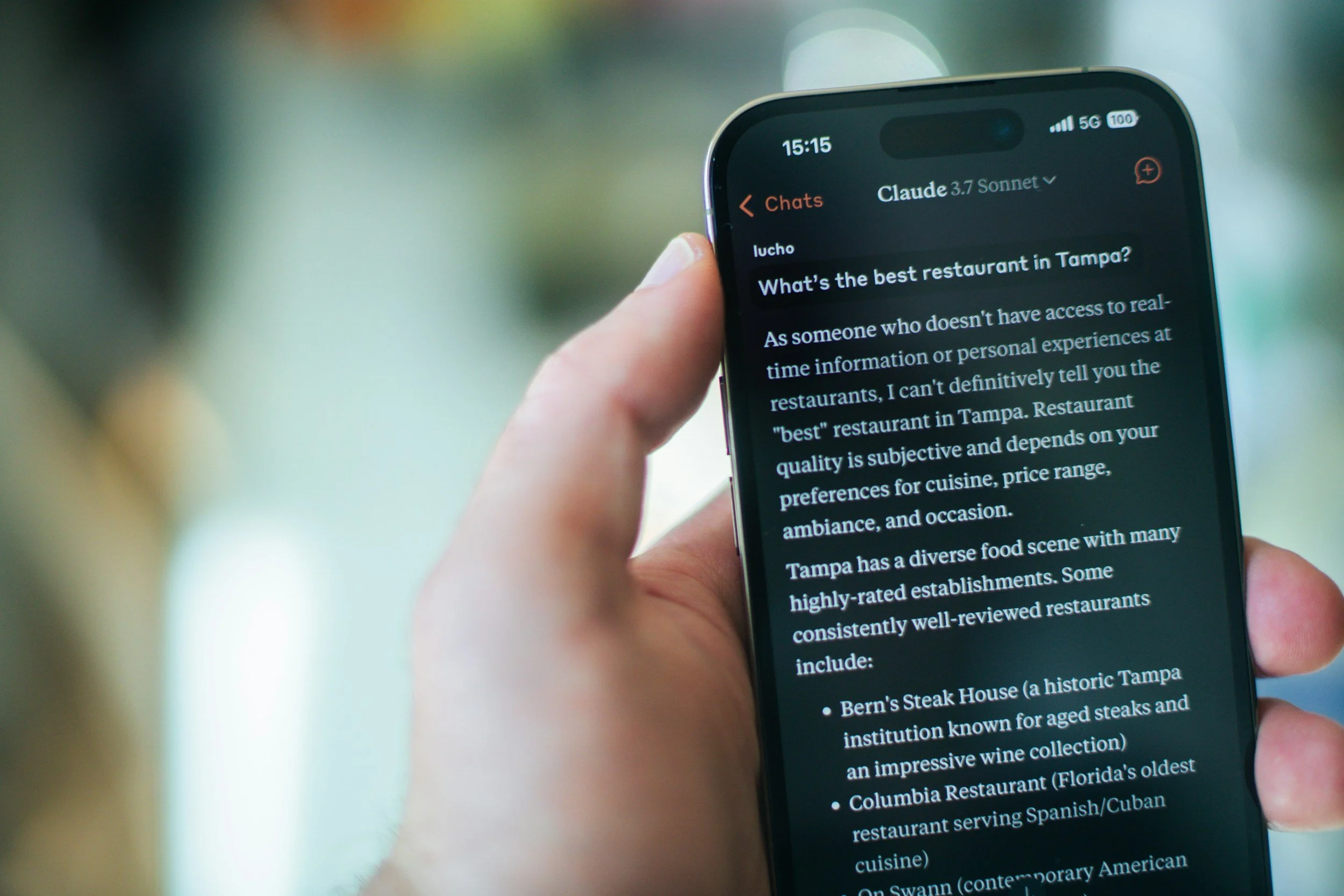
More and more of your future customers are skipping Google and asking ChatGPT, Perplexity, Claude, or Gemini instead. They type something like "best family photographer in Austin" or "who can fix my Squarespace SEO," and the AI gives them a short list of names. If your business isn't on that list, you never even get a shot.
Here's the tricky part. A website can look great, load fine, and even rank on Google, and still be close to invisible to AI assistants. That's because AI tools read and judge your site a little differently than a person does.
Quick answer: Your website probably isn't optimized for AI assistants if AI crawlers are blocked, your pages are thin or vague, you have no structured data (schema), your content doesn't answer real questions directly, your business details are inconsistent across the web, your content is out of date, or you have no outside sources mentioning you. Each of these is fixable, and most can be handled right inside Squarespace.
This kind of work is called GEO, or Generative Engine Optimization. It's the practice of structuring your website so AI assistants can find it, understand it, trust it, and cite it in their answers. Think of it as SEO's younger sibling. The basics overlap a lot, but AI tools put extra weight on clarity, structure, and trust signals.
At Launch Happy we've worked on 1,000+ Squarespace sites, and these seven issues come up again and again. Let's walk through them.
Sign 1: AI crawlers can't get into your site
Before an AI assistant can mention you, its crawler has to be allowed to read your pages. Every website has a small file called robots.txt that tells bots where they can and can't go. If that file blocks AI crawlers, some assistants may never see your content at all.
Squarespace makes this easy to do by accident. Under Settings > Crawlers, there's a checkbox to block AI crawlers. A lot of site owners turned it on back in 2023 when AI scraping was all over the news, and then forgot about it.
It's worth knowing there are two kinds of AI bots:
Training crawlers collect content to train AI models (for example GPTBot, ClaudeBot, and Google-Extended).
Search and answer crawlers fetch pages in real time when someone asks a question (for example OAI-SearchBot for ChatGPT search and PerplexityBot for Perplexity).
Squarespace's AI checkbox is mainly aimed at the training crawlers, so blocking it doesn't automatically shut out every AI search tool. Still, if your goal is to show up in AI answers, blocking the bots that build these tools works against you.
How to check: Visit yourdomain.com/robots.txt in a browser. If you see lines like "User-agent: GPTBot" followed by "Disallow: /", AI crawlers are being turned away.
How to fix it: In Squarespace, go to Settings > Crawlers and uncheck the AI crawler option (unless you have a specific reason to keep it on). Also make sure "Block Search Engine Crawlers" is unchecked and that important pages aren't hidden from search in their page settings.
Sign 2: Your pages are thin or vague
AI assistants pull answers from content that actually says something. A homepage with a big photo, a tagline like "Elevated experiences, thoughtfully crafted," and a Contact button gives an AI almost nothing to work with. It can't tell what you do, who you serve, or where you're located.
This is one of the most common issues we see on Squarespace sites, because the templates are so visual. Beautiful design is great for people, but AI reads words.
Signs you have this problem:
Your service pages are under 300 words.
Your homepage never plainly states what you do and where.
Key details live only inside images or graphics.
You use clever brand language instead of the words customers actually search for.
How to fix it: Give each main service its own page with real substance: what it is, who it's for, what's included, how the process works, what it costs (or a starting range), and where you serve. Aim for clear, specific language. "Wedding florist in Chattanooga, TN offering full-service floral design for weddings of 50 to 300 guests" beats "Florals for your forever" every time, at least as far as AI is concerned. You can keep your brand voice, just add the plain facts alongside it.
Sign 3: You have no structured data (schema)
Schema markup is a bit of code that labels the information on your site in a format machines understand. It tells search engines and AI tools, "This is a local business, this is its address, these are its hours, this is a FAQ, this is a review."
Squarespace adds some basic structured data automatically, like your business name and basic page info. But it doesn't add the richer types that help AI tools understand you, such as LocalBusiness details, Service, FAQPage, or Person schema for a founder or practitioner.
How to check: Paste a page URL into Google's Rich Results Test or the Schema Markup Validator. If all you see is the bare minimum, there's room to improve.
How to fix it: Schema can be added on Squarespace through code injection (Business and Commerce plans) or code blocks. This is one of those tasks that's easy to get slightly wrong, so it's a good one to hand to someone who does it regularly. Getting schema right is a core part of every GEO Certified™ site we build.
Sign 4: Your content doesn't answer real questions
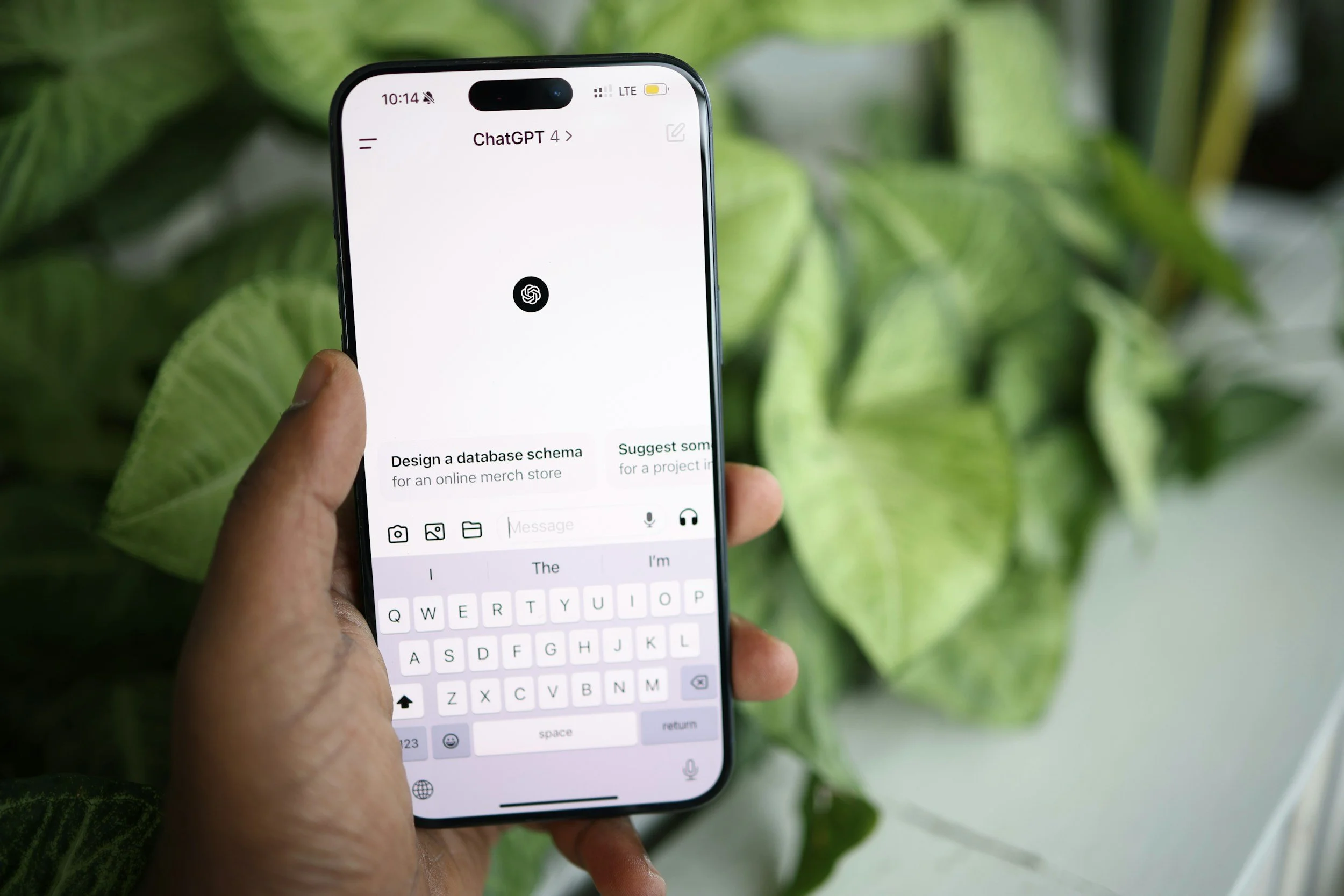
People talk to AI assistants the way they'd talk to a friend. They ask full questions: "How much does a kitchen remodel cost in Nashville?" or "Do I need a lawyer for a first DUI?" AI tools look for pages that answer those questions clearly and directly.
If your site only describes your services in general terms, there's nothing for the AI to quote.
Signs you have this problem:
You don't have an FAQ section, or it only covers shipping and refunds.
Your blog posts take several paragraphs to get to the point.
Your headings are cute labels ("Our Story," "The Magic") rather than questions or clear topics.
How to fix it:
Make a list of the 10 to 20 questions customers ask you most, on calls, by email, and in DMs.
Answer each one in its own section, with the question as the heading.
Put the direct answer in the first one or two sentences, then add detail.
Use lists and tables where they make the answer easier to scan.
This "answer first" format is exactly what AI assistants like to pull from. It's the same format you're reading right now.
Sign 5: Your business details don't match across the web
AI tools cross-check what your website says against other sources: Google Business Profile, Yelp, Facebook, directories, industry listings, and more. When your business name, address, phone number, hours, or services don't match from place to place, it creates doubt. And AI assistants tend to skip businesses they're unsure about.
This happens a lot after a move, a rebrand, or a phone number change. The website gets updated, but the old info lives on in a dozen other places.
How to fix it:
Pick one official version of your name, address, and phone number and use it everywhere, down to the formatting.
Update your Google Business Profile first, since it's widely referenced.
Search your business name and old phone number to find outdated listings, then claim and correct them.
Add an About page that clearly states who runs the business, how long you've been around, and what you specialize in. This helps AI tools understand your business as a real, specific entity.
Sign 6: Your content is out of date
AI assistants care about freshness, especially for anything time-sensitive like pricing, services, or industry advice. If your last blog post was in 2021, your "2022 pricing" page is still live, or your footer says © 2020, that sends a signal that the site may not be current.
How to fix it:
Review your key service pages at least twice a year and update anything that has changed.
Refresh older blog posts that still get traffic instead of only writing new ones. Update stats, examples, and dates.
Show a visible "last updated" date on guides and resource pages.
Remove or redirect pages for services you no longer offer. Squarespace's URL Mappings (under Settings > Developer Tools) handle redirects.
You don't need to publish every week. A smaller site that's clearly maintained beats a big site full of stale pages.
Sign 7: Nobody else is talking about you
AI assistants lean heavily on third-party signals. When ChatGPT or Perplexity recommends a business, it's often because that business shows up in reviews, local news, roundups, directories, podcasts, or other trusted websites, not just on its own site.
If the only place your business is described is your own website, AI tools have nothing to confirm that you're legit or that you're any good.
How to fix it:
Ask happy clients for Google reviews and mention specific services in your request ("If you have a minute, a review about your website redesign would mean a lot!").
Get listed in reputable directories for your industry and location.
Pitch yourself for local features, guest posts, podcast interviews, or "best of" lists.
Build quality backlinks from relevant sites. This has always mattered for SEO, and it matters even more for AI visibility.
This is the slowest of the seven to fix, but it's also the one that builds the most lasting trust.
Frequently asked questions
What does it mean for a website to be optimized for AI assistants?
It means your site is set up so tools like ChatGPT, Perplexity, Claude, and Gemini can access it, understand what your business does, trust the information, and cite or recommend you in their answers. This is usually called GEO (Generative Engine Optimization).
Is GEO different from SEO?
They overlap a lot. Good SEO (clear content, solid site structure, backlinks) is the foundation for GEO. GEO adds extra focus on direct answers, structured data, entity clarity, and third-party trust signals, because those are what AI tools lean on when choosing what to cite.
Can a Squarespace website show up in ChatGPT and Perplexity?
Yes. Squarespace sites can absolutely be cited by AI assistants. The platform handles a lot of the technical basics well. Most of the gaps we see come from settings (like blocked AI crawlers), thin content, and missing schema, all of which can be fixed without leaving Squarespace.
How do I know if ChatGPT is already mentioning my business?
Try asking it the questions your customers would ask, like "best [your service] in [your city]." Try a few variations, and try Perplexity and Google's AI Overviews too. Results shift over time and from person to person, so a single check is only a rough snapshot. For a clearer baseline, a structured AI visibility report tests a consistent set of questions across several platforms.
How long does it take to see results from GEO?
Technical fixes like unblocking crawlers can take effect within weeks, once AI tools recrawl your site. Content and trust improvements usually take a few months to build up. Like SEO, it works best as an ongoing effort rather than a one-time fix.
Should I block AI crawlers to protect my content?
That's a personal business decision. If you sell original content, like photography, writing, or courses, you may want to limit training crawlers. But if your goal is to get found and recommended by AI assistants, blocking them works against you. Many businesses choose to allow AI crawlers so they can show up in AI answers.
Get your site ready for AI search
If a few of these signs sounded familiar, don't panic. Most sites have at least two or three, and none of them are permanent. Start with the easy wins: check your crawler settings, tighten up your homepage and service pages, and add a real FAQ.
If you'd rather have someone handle it for you, that's what we do. Our GEO Certified™ Squarespace builds and upgrades are structured from the ground up to give your business the opportunity to show up in AI assistants like ChatGPT and Perplexity, while still ranking well in Google.
When you book a call, we'll run a free AI Visibility Report on your site so you have a baseline for how you show up in AI search today, and we know exactly where to focus. You can see our GEO packages here, or book your free discovery call.
And if you have any questions, just let us know!