
Squarespace Guides
Free access to a set of Squarespace SEO Guides that will impress the best Squarespace Experts.
Featured Posts
![The Ultimate Guide to Squarespace SEO 2025 [Free eBook]](https://images.squarespace-cdn.com/content/v1/5f25ac703966632bfcb56bd8/1606154747600-NL41WW6QNEEA78HNGNAA/Squarespace+SEO+Blogging+eBook.jpg)
In this ultimate guide to Squarespace SEO, you’ll learn everything you need to do to make sure Google sends leads and customers your way.
![Comprehensive 60 SEO Tips for Squarespace [Checklist Included] (2025)](https://images.squarespace-cdn.com/content/v1/5f25ac703966632bfcb56bd8/1637611237806-UPJHRFZ9DLR4YG5BL62T/brooke-cagle-cb4Dv50LN1Y-unsplash.jpg)
Get Started With Squarespace SEO: 60-Point SEO Checklist. Our experts have compiled 60 best practices to share with you so you can optimize your Squarespace site, wherever you may be in the development process.
Starting a blog doesn't need to be difficult. Start with inspiration from over 70 sites with 🤩 gorgeous websites on Squarespace.

Are you a Squarespace user looking for inspiration for your portfolio? Here is our compiled list of 30+ beautiful Squarespace sites to help spark creativity. Featuring Web & Graphic Designers, Artists, Photographers & Videographers.

Hiring a Squarespace SEO expert from Launchhappy.co can significantly boost your business by enhancing search engine rankings and increasing organic traffic.
Launchhappy.co offers specialized SEO packages designed to deliver professional SEO strategies that can achieve an impressive average ROI of 122%. These packages include targeted keyword optimization and technical improvements like faster loading times and better mobile responsiveness, crucial for modern web performance.
![3 Yoast Alternatives for Squarespace [Paid & Free Options]](https://images.squarespace-cdn.com/content/v1/5f25ac703966632bfcb56bd8/1610026192065-AWFQIT3DSVV100X5PKAY/image-asset.jpeg)
The Yoast plugin is the top SEO plugin for WordPress websites, but not available for Squarespace. In this blog, we look at why it’s not necessary, and three good alternatives to explore instead.

Video Guide: Use the #1 Template in Squarespace 7.1
Squarespace has a lot of templates to choose from with any feature being interchangeable. After working on close to 400 different sites, I have collected helpful information and tips that I think Squarespace should make more obvious.

Squarespace Versus Webflow: Our 2023 Guide
What are the differences between Squarespace and Webflow? Which one is better for your business? Read our guide for small business owners, freelancers, and web developers who want to learn more about the benefits of each website builder.
Become A Squarespace Designer

We’ve provided a list of Squarespace inspo for those of you building your web-design portfolios. Check out this list of 25 beautiful pages to help spark ideas for your own project.

Whether you're a travel blogger seeking to document your adventures or a boutique hotel owner aiming to showcase your unique vibe, Squarespace's user-friendly tools have got you covered.

If you follow the right strategy when building your Squarespace business, you’ll be amazed at what you can accomplish - $10k a month is an attainable goal if you learn how to market yourself and meet the market need. Here are 3 key steps to starting your design business in a short amount of time.

For non-profit organizations and churches, an effective online presence not only informs but also invites people to join your cause, participate in events, and contribute to your community.
Are you a Squarespace user looking for inspiration for your portfolio? Here is our compiled list of 30+ beautiful Squarespace sites to help spark creativity. Featuring Web & Graphic Designers, Artists, Photographers & Videographers.

The code block on Squarespace allows you to type or paste code and customize your site to your liking, all the way down to its images, interactions, and user interface.
Headers and footers work exactly the same, but you need to get them just right if you want to strike the balance between effective design and utility.

To help you unlock the full potential of Squarespace and kickstart your design endeavors, we have curated a collection of ten indispensable video tutorials tailored specifically for beginners.

A major factor of intimidation is almost always - client interaction. So many worries come to mind in these exchanges and can prevent us from potential success. We’ve come through the other side and here to provide our advice and tips for navigating (as well as preventing!) these uncomfortable scenarios..

As the founder of Spacebar Agency, I’ve become a Squarespace SEO expert that hundreds turn to for training and troubleshooting on this popular website building platform. In today’s article, I’ll explain how you can create a significant side income for yourself by becoming a Squarespace designer.
If you truly want to harness the power of Squarespace and create standout websites that make a lasting impact, a little extra training can go a long way.
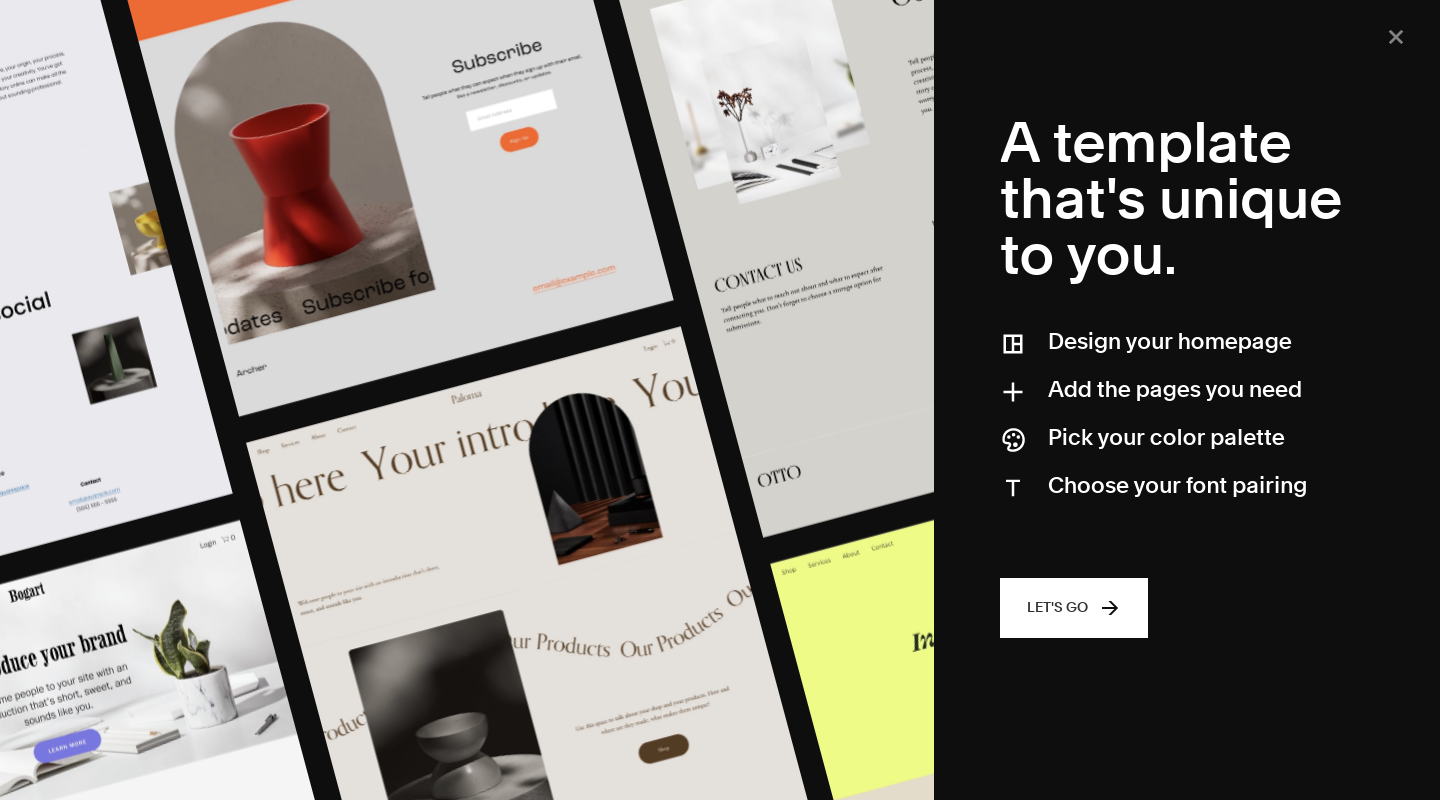
Build a Squarespace website with ease using the new interactive Squarespace Blueprint system. This beginner-friendly website building tool will have your home page complete in under 30 minutes. Choose the template, colors, fonts, and layout that you love for your business’s new home on the web.

If you’re a Squarespace developer dealing with a complex client, use our tips to your advantage. Learn how to transform any difficult website build into an open-minded collaboration.

When you're new to the game, it’s common to experience a little bit (or a lot) of imposter syndrome when you rate yourself to match the market. Of course, you don’t want to overcharge your clients and turn them off from investing in your services. However, you also don’t want to undercharge and hinder your ability to run a profitable business.

Are you considering Squarespace as an option to host your website but not sure it's the right fit? We'll answer some of the most common questions to help you determine if Squarespace is the platform for you!
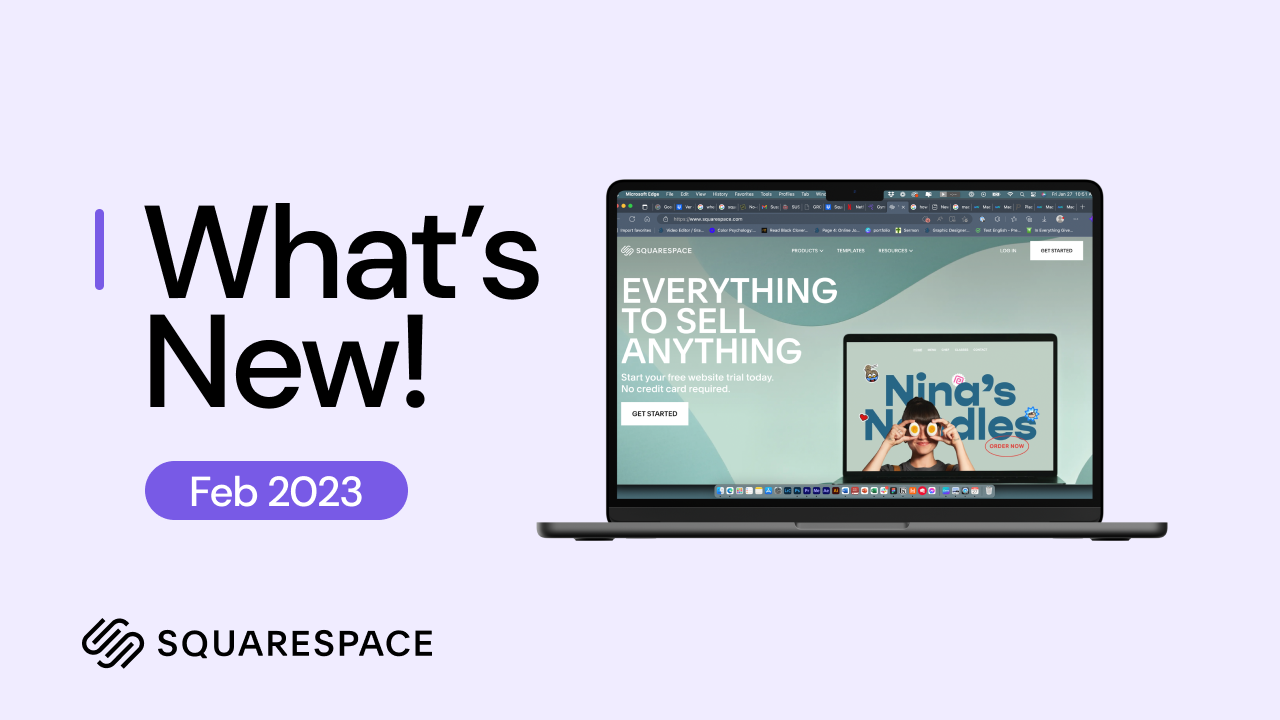
Squarespace is rolling out brand new features for the year! Starting this February, Squarespace has updated a few key design options that make the entire process SO much easier.

Squarespace 7.1 was released in 2020, but many designers are still hesitant about transitioning from 7.0 to 7.1. Are you worried about navigating the manual process? Do you have concerns about how long it’ll take to complete this task?

If a Squarespace site is on your list of things to start this year, check out these 5 video tutorials to ensure you have a successful entry into this industry-changing web builder.

As a website designer, there are a lot of different ways you can earn an income. Of course, you can offer services and work on projects with specific clients. However, there are several ways to boost your income outside of simply offering website design services.

Squarespace enables you to build an online portfolio for many uses. Learn when, how, and why you should use portfolios, along with pro tips for styling them.
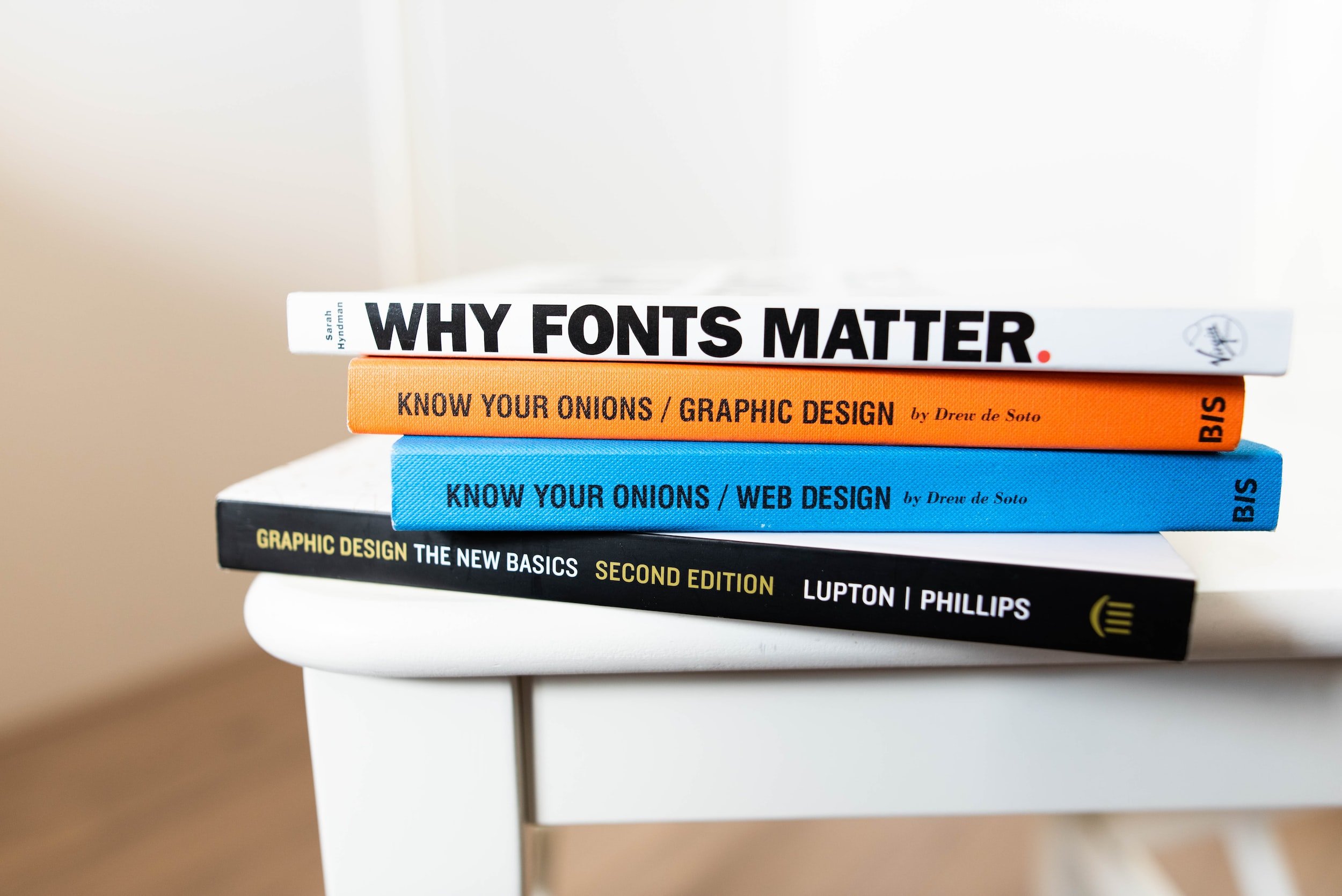
Read our helpful blog on how to choose fonts for your clients. If you’re building your first site or you’re a designer who’s just getting started, this one’s for you!

Over the last few months, Squarespace has released several new features. We cover ten of the ones you absolutely need to know to streamline your build process.
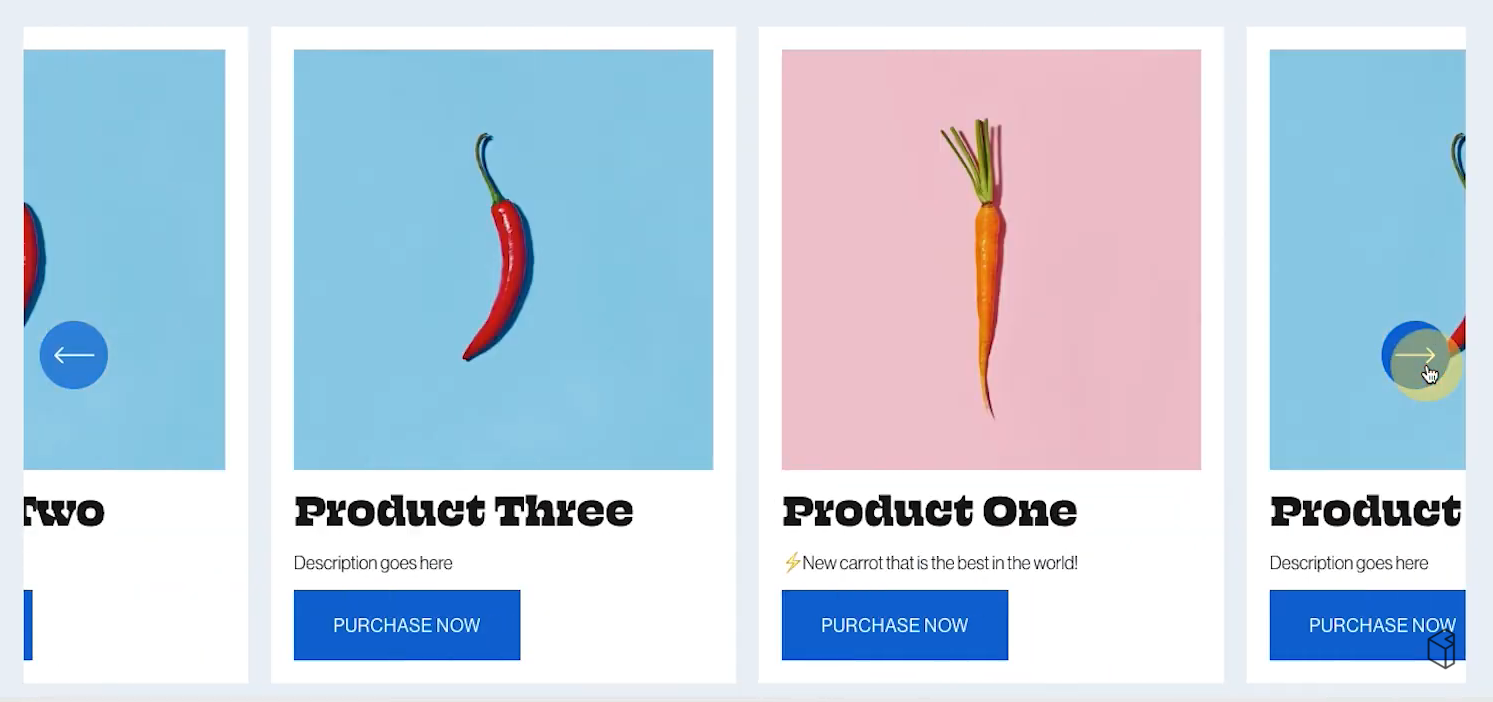
It would be great if Squarespace already had a product slider option available on the home page. But even though the platform does not, our manual workaround works well while giving you plenty of flexibility.

Trying to figure out how to turn on test mode in Squarespace? Follow our easy step-by-step process to set up test mode so you can see the entire transaction process.

Transferring a domain you bought from a third-party provider is not that hard to do – you just have to know the right steps. We’ll show you exactly how to do it yourself.

Understanding how best to put the features of Squarespace to use for you is a crucial part of any online growth strategy. This is a platform where startups, entrepreneurs and businesses thrive thanks to an ever growing litany of convenience features with powerful effects – and scheduling is no exception.
Many people don’t realize that you can use Google Workspace (and Gmail) to host your own custom domain email. Here we’ll explain Google Workspace and how you can use Squarespace’s Google Workspace integration to improve your website workflow.

Here is how to quickly and easily use secondary and third form buttons to help you flesh out your site’s aesthetics and give it a truly unique feel.

Squarespace doesn't provide an integrated solution for recurring or subscription donations. As a solution, here is a guide on how to set up donations on your Squarespace website with the native features, and how to integrate using a third-party tool.
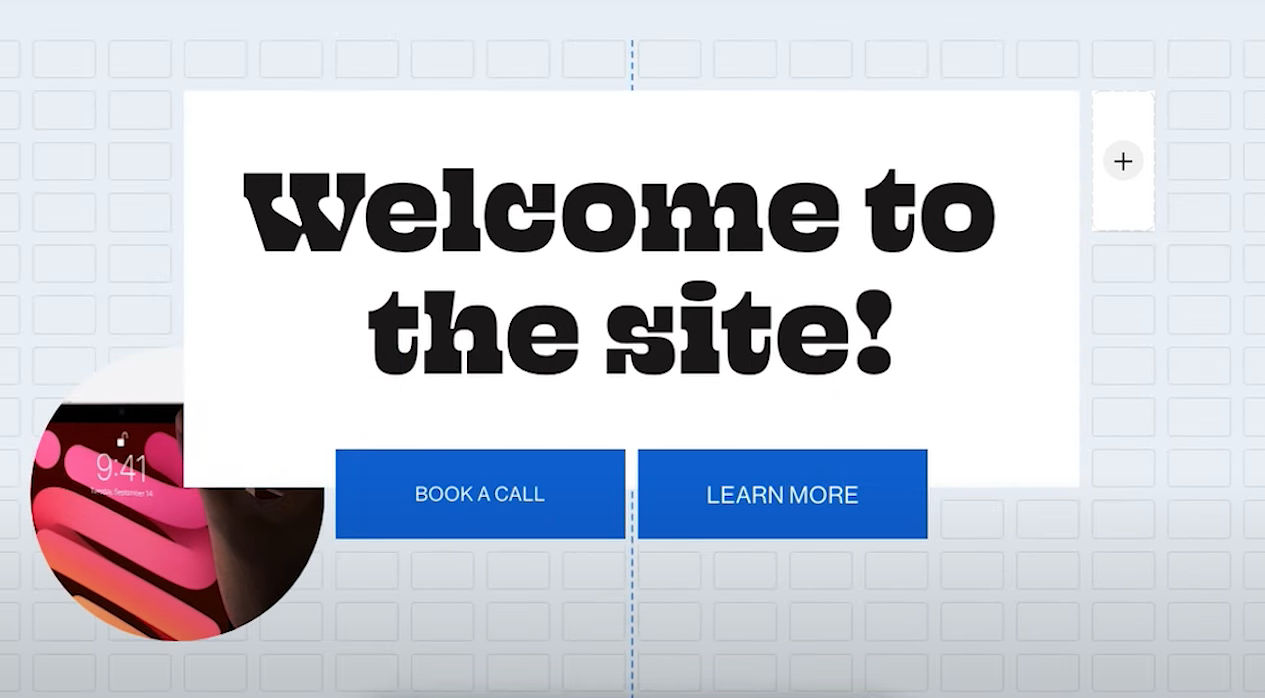
The newest design update from Squarespace redefines ease and end-user accessibility. Here is a thorough look at Fluid Engine’s functions and how to utilize it yourself.
Learn more about our services
from $150
Per article. GEO Certified™. No commitment required.
1 GEO Certified article
All 10 certification requirements
Schema markup delivered with content
Verified engine score before delivery
35 placements + custom mini-study / data asset + quarterly citation report. All three layers.
35 corroboration placements
Custom mini-study or proprietary data asset
Full Layer 1 + 2 + 3 coverage
1 GEO Certified press release included
Quarterly citation report
20 placements + a statistics-page citation magnet + 2 independent syndication boosts. Covers Layers 1 & 2.
20 corroboration placements
Statistics-page citation magnet (asset that earns future citations)
2 independent syndication boosts
Layers 1 + 2 coverage
Placement report + citation tracking sheet
10 placements on DA 60+ properties, drip-fed over 4 weeks. Builds Layer 1 foundational profiles.
10 corroboration placements
Entity-consistent articles on DA 60+ properties
Drip-fed over 4 weeks (safe velocity)
Layer 1 foundational profile coverage
Placement report at completion

The free report tells you whether you have an AI-visibility problem. This tells you exactly where - every one of the ten published GEO Certified™ criteria, scored 0–10 on your actual site, with the evidence behind each score and the fixes that matter most, first.
It's also something more: your official day-0 baseline. Every improvement you ever make - with us or without us - gets measured against this document.

250-Point Certification Audit - $249
250 points across design, UX, SEO, and the full GEO standard
Recorded video walkthrough
Certification Gap Report - scored per criterion
Credits $249 toward any GEO package for 90 days

The full GEO and SEO implementation - including the Certification Audit and handoff scorecard.
Everything in Jumpstart
Full-site SEO optimization pass
250-point GEO Certification Audit included
GEO Certified™ handoff scorecard (PDF + shareable image)
Citation-ready claims review (full site)
Before/after comparison card at Day 60
Priority email + video walkthrough

Essentials plus SEO content optimization and FAQ schema for direct-answer coverage.
Everything in Essentials
SEO entity fact sheet
Core pages SEO-optimized
Direct-answer callout formatting (5 pages)
FAQPage schema - paired with visible content
Content freshness pass: review dates added
Credibility signals: author attribution across pages
60-day re-snapshot included

GEO and SEO foundations: entity structure, schema, and a baseline snapshot.
Day-0 baseline GEO snapshot
Entity consistency audit & fix site-wide
Core SEO schema markup on core pages (Organization + Person + WebSite)
Heading hierarchy correction
Testimonial schema rebuild (text, not images)
Direct SEO answers on key pages
Real humans on email

Make your site Google-friendly with…
Setup and Connect Google Search Console (2 Ways)
Submit Sitemap To Google Search Console
Setup and Connect Google Analytics
FREE COURSE ACCESS "Optimize SEO Like A Pro" [$300 Value]
FREE ACCESS “Blogging Starter Kit” [$250 value]
This is a digital service. That means our team performs the tasks for your team and we chat via email. There is no phone consultation with this service.

Core Package
Perfect for new websites, starter packages
Keyword Research and Development (discover top 5 keyword phrases)
Setup and Connect Google Search Console (2 Ways)
Make Sure Nothing is Blocking SEO
Submit Sitemap To Google Search Console
Setup and Connect Google Analytics
Setup Goals inside Google Analytics
FREE COURSE ACCESS "Optimize SEO Like A Pro" [$300 Value]
FREE ACCESS “Blogging Starter Kit” [$250 value]
Simple Next Steps Email with Long-Term Recommendations
This is a digital service. That means our team performs the tasks for your team and we chat via email. There is no phone consultation with this service.

Everything in the core package, plus...
On-page Optimization Recommendations (for up to 12 pages)
Our Clients Favorite: Comprehensive Site Audit: Personalized Screen recording of your Website with SEO & Design Recommendations [$200 Value]
75-Point SEO Technical Checklist
Optimize all technical aspects on your website that are SEO related
Image Optimization (up to 20 images)
Blog Post Optimization
Blog Post Optimization (up to 5 posts)
Hide Unwanted Pages or Duplicates from Search
BONUS Create Professional, Optimized Footer (if needed)
BONUS Blog Creation (if needed)
BONUS Setup Promotional Pop-up (if needed)
FREE ACCESS “Blogging Starter Kit” [$250 value]
FREE COURSE ACCESS "Optimize SEO Like A Pro" [$300 Value]
This is a digital service. That means our team performs the tasks for your team and we chat via email. There is no phone consultation with this service.

Perfect for 2+ month old websites
(100) High Domain Authority Backlinks
(100) 1,500++ Word Blog Post Articles {150,000++ words!}
We will use your seed keyword phrase and produce 100 blog post titles
We insert your images + branding from your site
We use your YouTube videos from your channel if available
Local Business Google My Business NAP insertion
Setup and Connect Google Search Console (2 Ways)
Setup and Connect Google Analytics (GA4)
Make Sure Nothing is Blocking SEO
FREE COURSE ACCESS "Optimize SEO Like A Pro" [$300 Value]
FREE ACCESS “Blogging Starter Kit” [$250 value]
FREE ACCESS “Blogging Starter Kit” [$250 value]
Simple Next Steps Email with Long-Term Recommendations

Taking it to the next level...
(200) High Domain Authority Backlinks Drip Fed Over 2 Months
(200) 1,500++ Word Blog Post Articles {300,000++ words!}
We will use your seed keyword phrase and produce 200 blog post titles
We insert your images + branding from your site
We use your YouTube videos from your channel if available
Local Business Google My Business NAP insertion
Setup and Connect Google Search Console (2 Ways)
Setup and Connect Google Analytics (GA4)
Make Sure Nothing is Blocking SEO
BONUS Setup Promotional Pop-up (if needed)
FREE ACCESS “Blogging Starter Kit” [$250 value]
FREE COURSE ACCESS "Optimize SEO Like A Pro" [$300 Value]
BONUS Advanced Google Data Studio reporting and data visualization system. Gain insights to produce strategies and action items visually.This is what the Pro’s use. [$ 500 Value]
Excellent choice for brand new sites...
(50) High Domain Authority Backlinks
(50) 1,500++ Word Blog Post Articles
We will use your seed keyword phrase and produce 50 blog post titles
We insert your images + branding from your site
We use your YouTube videos from your channel if available
Local Business Google My Business NAP insertion
FREE COURSE ACCESS "Optimize SEO Like A Pro" [$300 Value]
FREE ACCESS “Blogging Starter Kit” [$250 value]

Ready to take your content strategy and SEO to the next level? Our Topic Cluster Analysis & Market Opportunities Package is your roadmap to success. We'll dive deep into your website and industry, identifying key topic clusters, competitor strategies, and actionable insights to boost your organic traffic and online visibility.

Want to ensure your blog posts are optimized and set up correctly each time? Get our Blog Post Checklist to ensure you don’t miss a crucial step and give your blog post the best possible chance of getting ranked by the search engines. From the back-end settings to on-page look and feel, we have you covered!

With over 1000+ hours and 150+ Squarespace website builds, we offer a site audit for professionals and DIYers, alike. A site audit is a process in that we will walk through and analyze every part of your main website and confirm best practices, user experience (UX), possible SEO improvements, and overall brand/design recommendations. You will receive a recorded video of your website walking you through the recommendations. If you also do one of the SEO packages, the price drops down to $149 for the Comprehensive Site Audit, just send us a message after you purchase your SEO package.
Additional services we do during the audit
Scan your website for any technical problems
Identify on-page and off-page SEO issues
Check for broken files and internal or external links
Find weak or duplicate content
Assess page errors, page load speed issues, and pages blocked by robots.txt
Generate a checklist of problems to fix

*This is only for past clients & is a one-time service (not recurring). Ideal 3-6 months after initial service.
Perfect for new websites, starter packages
Review basic setup & indexing working properly
Review & Optimize all possible new content & blog posts
Audit on-page optimization
Look for new SEO opportunities
The site structure & architecture is clean (less than 3 clicks to reach any page)
Duplicate content deleted, redirected, or removed
Resubmit sitemap to Google Search Console
Review any possible sitemap errors or penalties
Provide recommendations for the next steps
This is a digital service. That means our team performs the tasks for your team and we chat via email. We are happy to answer your questions via email, but there is no phone consultation with this service.

We will setup up to 20, 301 Redirects for your website. If you need more, contact us for a custom quote.
Definition: A 301 redirect indicates the permanent moving of a web page from one location to another.

We will write a 500 word In-Depth Blog Post or Article for you to add to your website to help you grow your business.
Deliverables
500-word post
Content written on requested topic
Two hand-selected photos (free)
Back-end SEO optimization
2x Proofreading; CMS formatting and publish ready
1x Revision
Dedicated account manager (for long term relationships)
Delivered as a word doc, google doc, or pages file
After you complete the payment, we will send you a form to fill out about the topic, inspiration, your writing style, and any other information you want to provide.
*This is the price per piece. The content is solely owned by you.

Optimize Squarespace SEO Like a Pro
Search Engine Optimization (SEO) is a confusing topic. Use this course made for beginners to improve your presence on Google.
Why SEO Matters & How You Can Start Today
After improving SEO for my business, I was blown away. New leads coming through Google, each week, with no advertising cost? That was mind-blowing.
Can I do even better? After spending lots of time on Google Ads with paid positions on Google, I saw the value of organic SEO. Nearly all browser experiences start on Google. Learn how to grow your visibility in this crash course that will take you from beginning to end on improving your SEO today.
Section 1
Understanding SEO Search Results
Design_ H1, H2, and body tags, font choices, and CTAs
Finding The Best Keywords
Add Google Analytics (updated for GA4)
Add Google Search Console
Link GSC inside Squarespace
Section 2
Settings Checklist
Comment Settings (on)
Marketing ___ SEO Tab & Descriptions (article + video)
Favicon _ Social Sharing Icon
Creating A Blog
Section 3
What do you do with the keywords
Tagging Blog Posts
How to Tag Photos and Videos
Your New Content & Pages
How to hide pages from Google Search Results ( and why)
Setup a Google My Business Listing
Import Your GMB to Squarespace

For the keyword research, I could put together a list for of about 15-25 keywords of the most searched keywords/phrases with the monthly data. I could get it turned around in about 3-4 business days. The way we describe this service: We find the most relevant keywords for the business that are most searched. The turnaround is about 3-4 business days.
You will be provided with:
The top 25 keyword phrases for your website
Including monthly estimated search volume
Monthly search estimate can be based on any country
Best suited for searchers Intent
Analysis by our team of experts
We send you a questionnaire to begin
Creating a stunning photography portfolio on Squarespace requires more than just the right design and layout. It also requires thoughtful organization of content, use of effective marketing strategies, and customization to make sure your portfolio stands out from the rest.